2026-08-25 10:31:28
STL Files for 3D Printing: How to Choose the Right 3D Model
STL 3D printing files are widely used for converting digital 3D designs into physical objects, but choosing a good model will need more than simply downloading the first attractive design available. Geometry, resolution, scale, printer compatibility, and intended use are among the issues that could affect the final output. Knowledge of 3D printing file formats and proper selection of 3D print models may help minimize failures in 3D printing processes.
Understanding 3D Printing File Formats
There are various 3D printing file formats that you might come across when working with 3D printing technologies. STL, OBJ, 3MF, and others are some common 3D printing file formats that can be handled by different applications for design and slicing. Since each 3D printing file format has different features, the choice of a particular format would depend on the requirements of the process as well as the data to be stored.
One of the most common 3D printing file formats is the STL file, which is used to store the surface geometry of a 3D model using triangles. The format cannot retain the design information stored in native CAD models.
Choosing 3D Print Models for Your Project
The selection of 3D print models has to start with figuring out what exactly you wish to make and what printer and materials will be used. Decorative model, jewelry, prototype, and part can have completely different demands, and the model working in one case does not necessarily work in other.
Consider dimensions, geometry, amount of detail, wall thickness, overhangs, and printing method of the model before downloading it. You have to consider whether this particular design can be scaled to your required size and whether all the details will stay intact.
What Is an STL File and How Does It Work?
One of the frequently asked questions regarding 3D printing is what an STL file is. The STL file describes the surface geometry of a 3D model using a mesh composed of triangles. The slicing program decodes this data and translates it to instructions which the 3D printer will use layer by layer.
Sometimes the density of the mesh in an STL file can affect the reproduction of the digital model. If the density is low, then it can cause some curved surfaces to have facets. Too high a density mesh will only produce a very bulky file but with no significant change in the output.
What Makes the Best STL Files for 3D Printing?
The best STL files 3D printing workflows use models that are clean, correctly scaled, and appropriate for the intended manufacturing method. A visually attractive preview does not necessarily mean that the underlying geometry is ready for printing.
The model should be closed, should have no internal geometry, and have proper surfaces and normals to ensure a successful print. Thin parts and surfaces may create problems in slicing and printing, and they are unnecessary in the model.
STL File Printable vs Unprintable: What Is the Difference?
Knowing how STL file printable geometry differs from unprintable one can help avoid many typical printing issues. A good STL model should normally represent a well-closed volume that will be understood by a slicing program. Such issues as open faces, non-manifold edges, inverted normals, intersecting geometry, and inappropriate wall thickness might lead to trouble.
It is recommended to examine your model before the printing process by means of 3D modeling software or slicer. Modern software allows finding and fixing common mesh problems, yet it is always better to choose a good model initially.
Key Things to Look at Prior to Downloading a 3D Model
- These factors must be taken into account before downloading a model:
- Quality of the geometry: Determine whether the mesh is closed and doesn’t have any big problems.
- Level of details: Make sure the model has sufficient details for its printing scale.
- Scaling: Check the available dimensions of the model and find out whether it’s easy to scale.
- Compatibility with the printer: Find out whether the design will be compatible with FDM, resin printing, etc.
- Requirements for the support: Look for overhangs and complicated parts that may need extra support.
- Information about the file: Description, dimensions, included files, and design specifications.
- Usage permissions: Whether you may use the design for private, commercial, or manufacturing purposes.
Choosing Models for FDM and Resin Printing
FDM printers as well as resins printers are both able to use the STL workflow, however, they are quite different from each other. FDM printing is often used for prototyping parts, functional parts, large decorative objects, and useful items. Designes for FDM printer need to be checked for wall thickness, bridging, overhangs, orientation and support.
Resin printing is usually a good choice for highly detailed designs, like miniatures, detailed decorative objects, jewelry patterns and artistic models. Detailed surface can be done easily though the model may need some careful design of supports and wall thickness.
Thus, while selecting 3D printing models, remember about the abilities of your real printer and do not think that all models are going to be the same in results on different printers.
Finding High-Quality 3D Print Models Online
It is possible to find good 3D print models that can help to save some time in your designs through the internet. Nonetheless, when evaluating the quality of the model, do not rely solely on the preview.
Consider the description, file types, size, and all sorts of technical details about the model before selecting one. A good source of 3D print models provides sufficient information on what exactly the user purchases/download.
Preparing an STL Model Before Printing
Even an ideal STL will need some prior preparation before sending it to the printer. After uploading the file into a slicing program, the user must ensure that it is in the correct scale and orientation and whether supports need to be used or not. The user can then set various parameters like layer thickness, fill density, number of walls, support density, and others based on the material and printer.
A mesh checking utility could be used for any design that is difficult to work with; especially for finding holes, non-manifold edges, inverted normals, or other issues.
Common Mistakes When Selecting STL Models
One such error is using a model solely for its looks. While the detailed preview can seem very appealing, the mesh itself might have errors that complicate the printing process. Another error is to use a model without taking into account the desired dimensions. Certain models will feature details that will work well in certain sizes but not in others.
Users also need to be aware that not all models that are available online can be used for commercial purposes. Licensing agreements might restrict the reuse or commercial printing of the model in question.
CadWala for 3D Printing Models
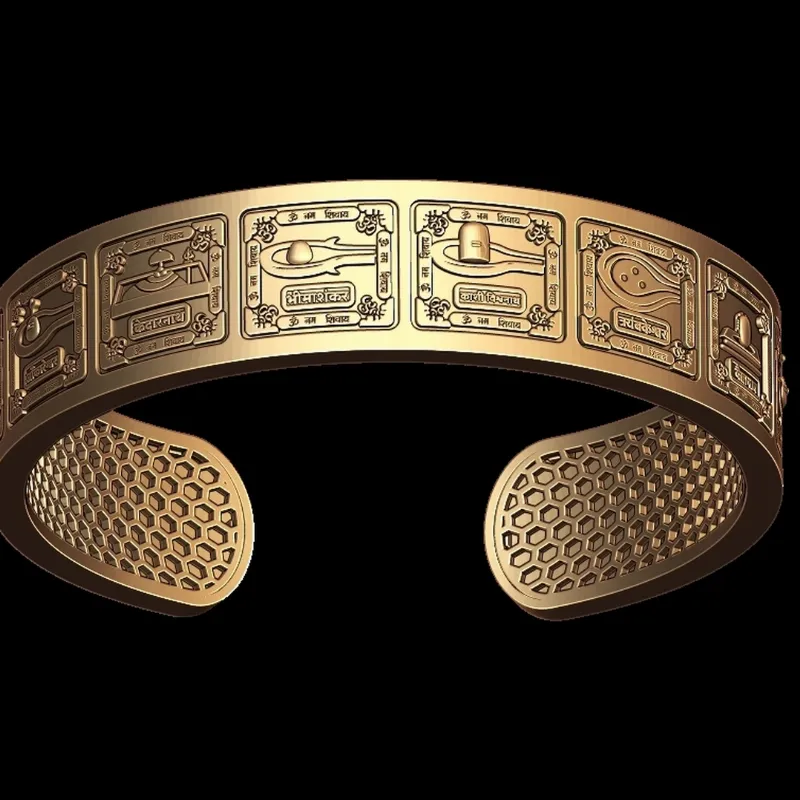
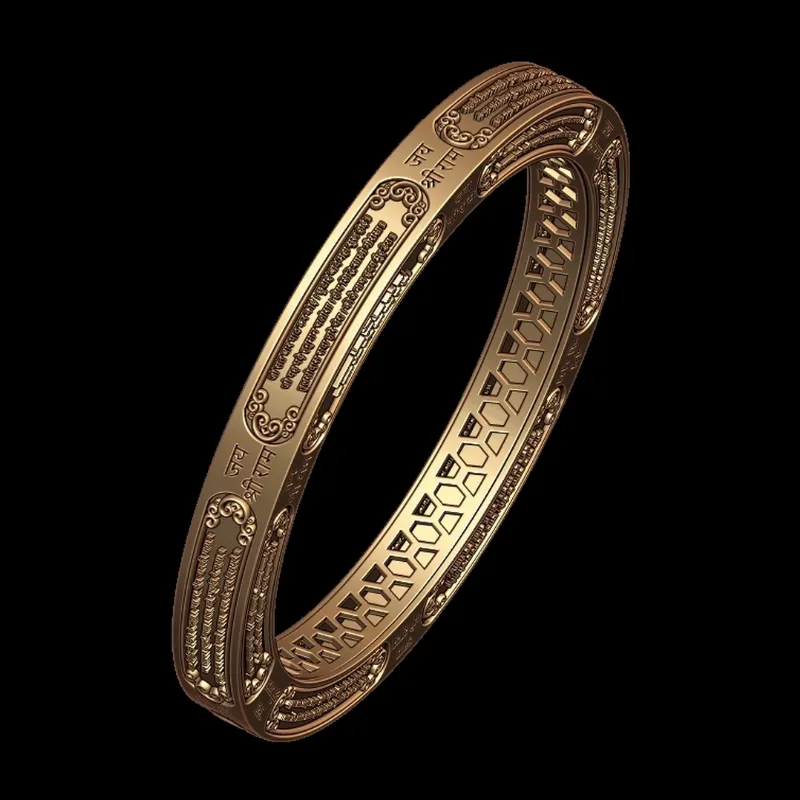
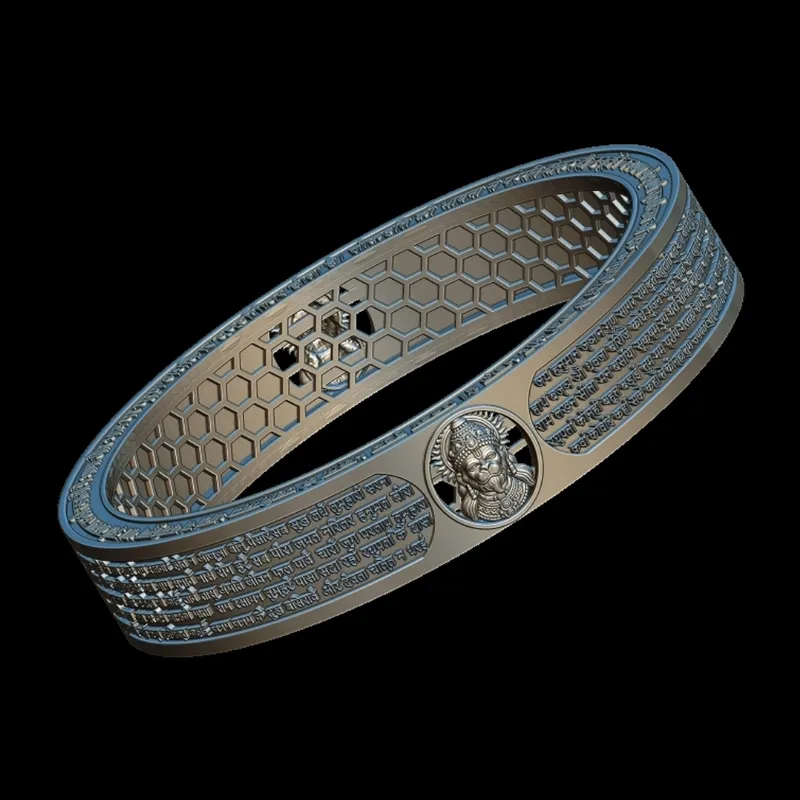
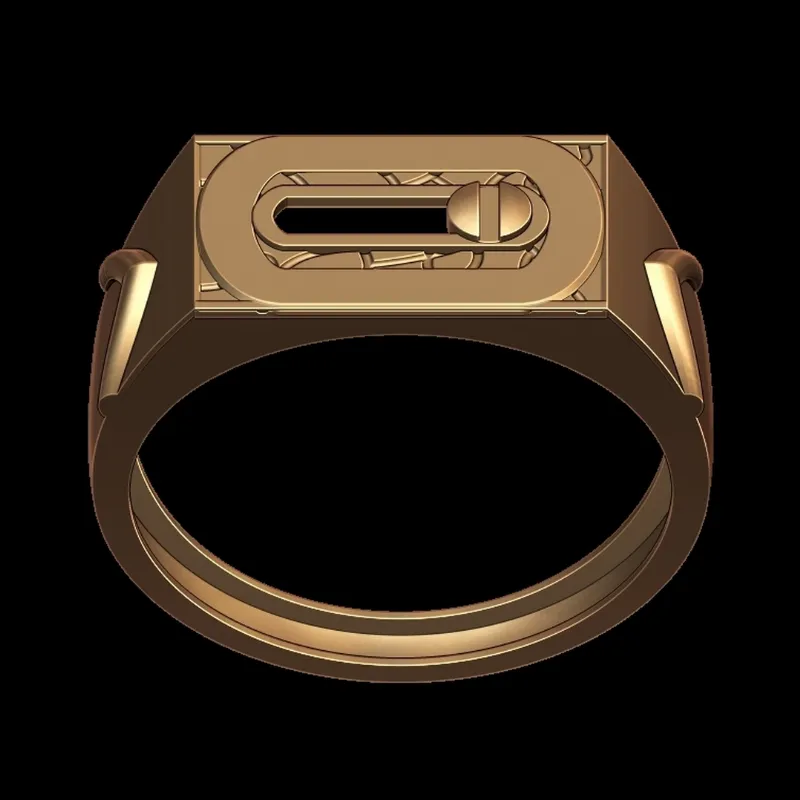
We offer digital CAD 3D models and designs to be used in projects like 3D printing, jewellery designing, decorative items and other manufacturing processes. The database at CadWala has an extensive range of models to help the user get the design which fits their creative needs.
For the users who need quality 3D print models, CadWala can help the user easily find various model categories rather than having to start all the design from scratch. Choosing the right model depending on its usage and the printing process can save a lot of time.
How to Select the Right STL Model?
The selection of the appropriate model is determined by the use of the model, printer, material, needed size, and the degree of detail. You should start with determining the physical needs of your project and analyze the geometry and technical characteristics of the model.
In case you need to print something that will be functional, the dimensions and mechanical properties might be more valuable than the geometrical details. In case you print jewelry, sacred models, miniatures, or art objects, the geometry and surface can be more significant.
Conclusion
Selecting an STL file is an essential component of the 3D printing process. Knowledge of 3D printing formats, analyzing the quality of the mesh, selection of proper geometries, and printer-specific aspects can definitely increase your chances of getting a good print.
If you are looking for a model for FDM printing, resin printing, jewellery, decoration, prototyping, or any other purpose, selecting a proper model from a good source like CadWala may help you make things easier. It’s all about finding the right design.